
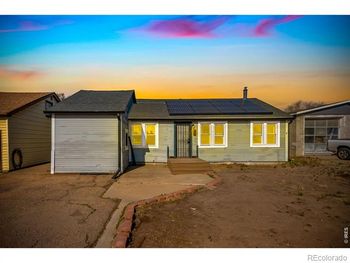


Treat College Green Commons as an address-level match, not just a name match. Use the listing address, subdivision field, plat records, and city or county records to confirm whether it is a formal filing, a building, or a broader local label.
Start with homes should be compared by filing, property type, garage, basement finish, HOA coverage, and proximity to busier streets. Then compare HOA or district costs, exterior condition, roof age, and whether the listing remarks match the community name.
Common buyer checks include University of Northern Colorado area, 35th Avenue, 20th Street, US 34, Greeley Mall, and downtown Greeley routes. Drive the route at the time you would normally travel, because a short distance can feel different near major corridors or foothill roads.
Some Greeley listings carry HOA covenants, special district taxes, or recorded design rules, and some do not. Review the listing, title work, county records, and any community documents before comparing monthly cost.
Focus on HOA documents, parking, irrigation if present, roof hail history, older-home systems, and Weld County records. These items can change from one address to another even when the listings sit in the same named area.
Do not assume one school assignment for every College Green Commons listing. Check the exact address with the district tool and compare it with the listing remarks, because boundaries can change across nearby roads.
Lot orientation, street exposure, finished basement space, garage size, updates, and HOA coverage can change the daily fit. In Colorado, roof condition, drainage, and sun or wind exposure also deserve a close look.
Confirm the legal subdivision, property type, taxes, HOA documents, utility provider, inclusions, and seller disclosures. If the name is a thin MLS label, the address and recorded documents should carry more weight than the marketing name.
No homes are listed in College Green Commons right now. Greeley has 460 homes for sale in other communities, and this page updates the moment a College Green Commons home lists. To hear first, call or text 303-955-4220 (a live person answers) or use the form below and we set the alert.