New - 2 Hours Ago

.jpg)


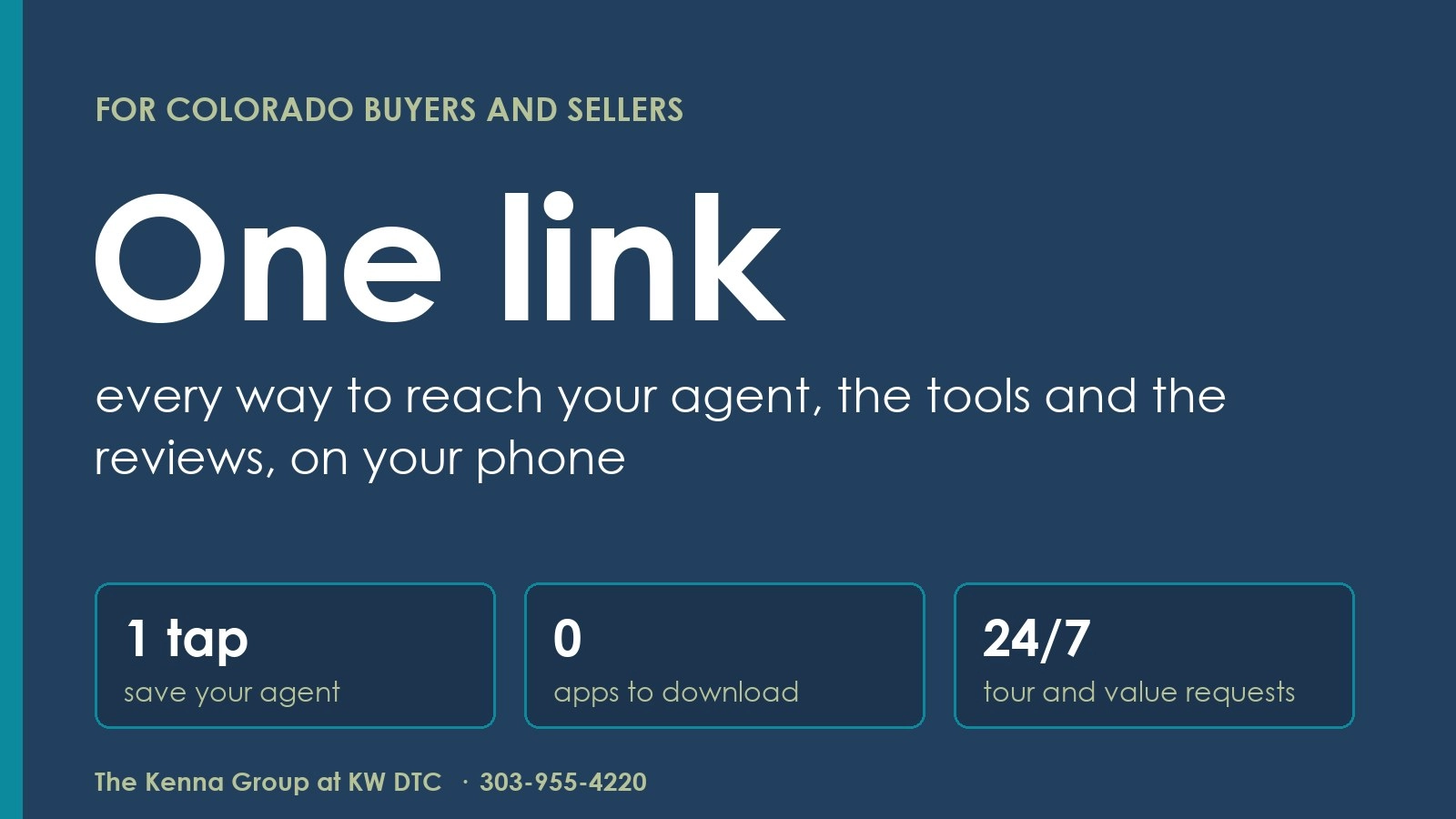
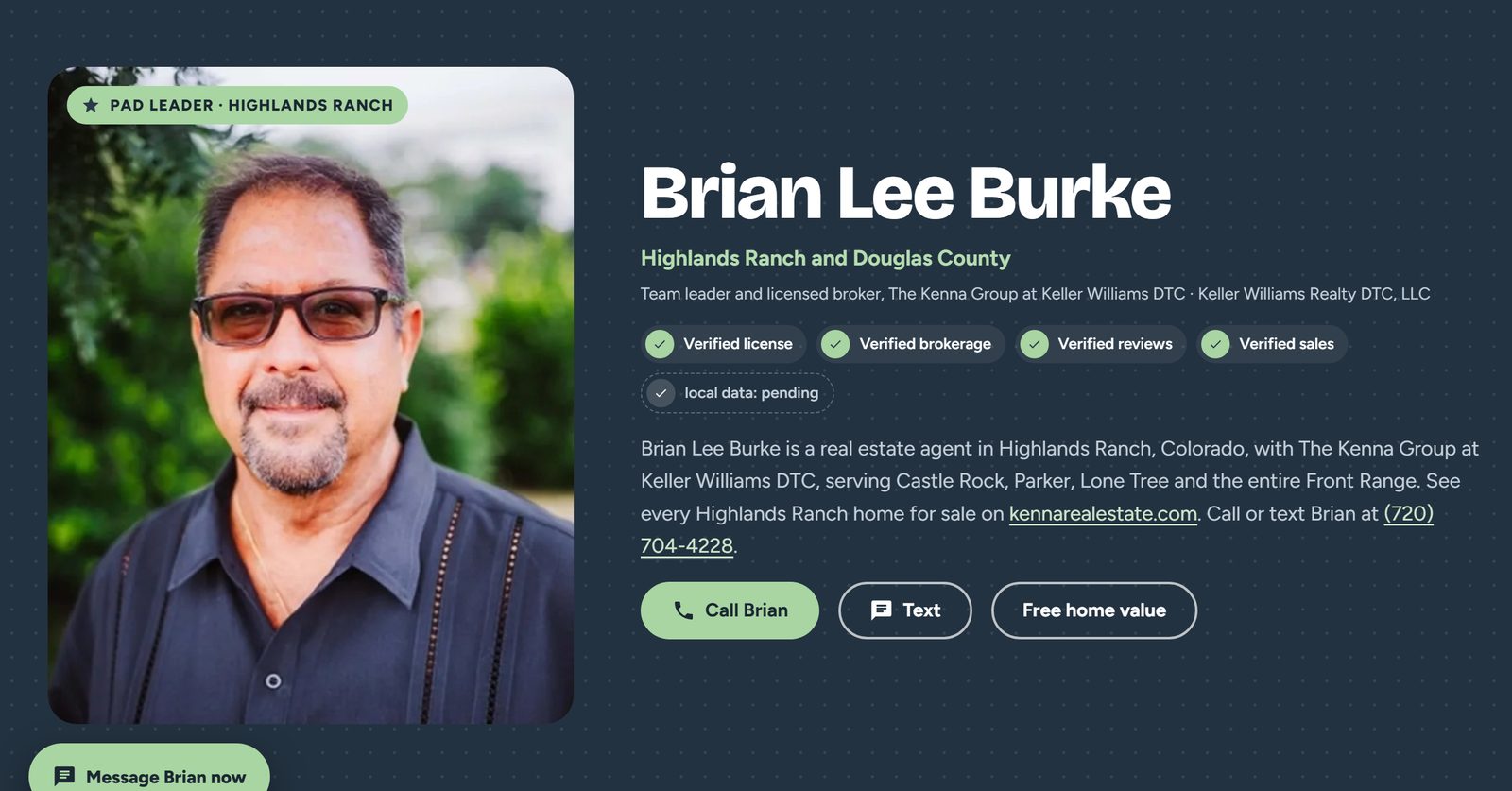
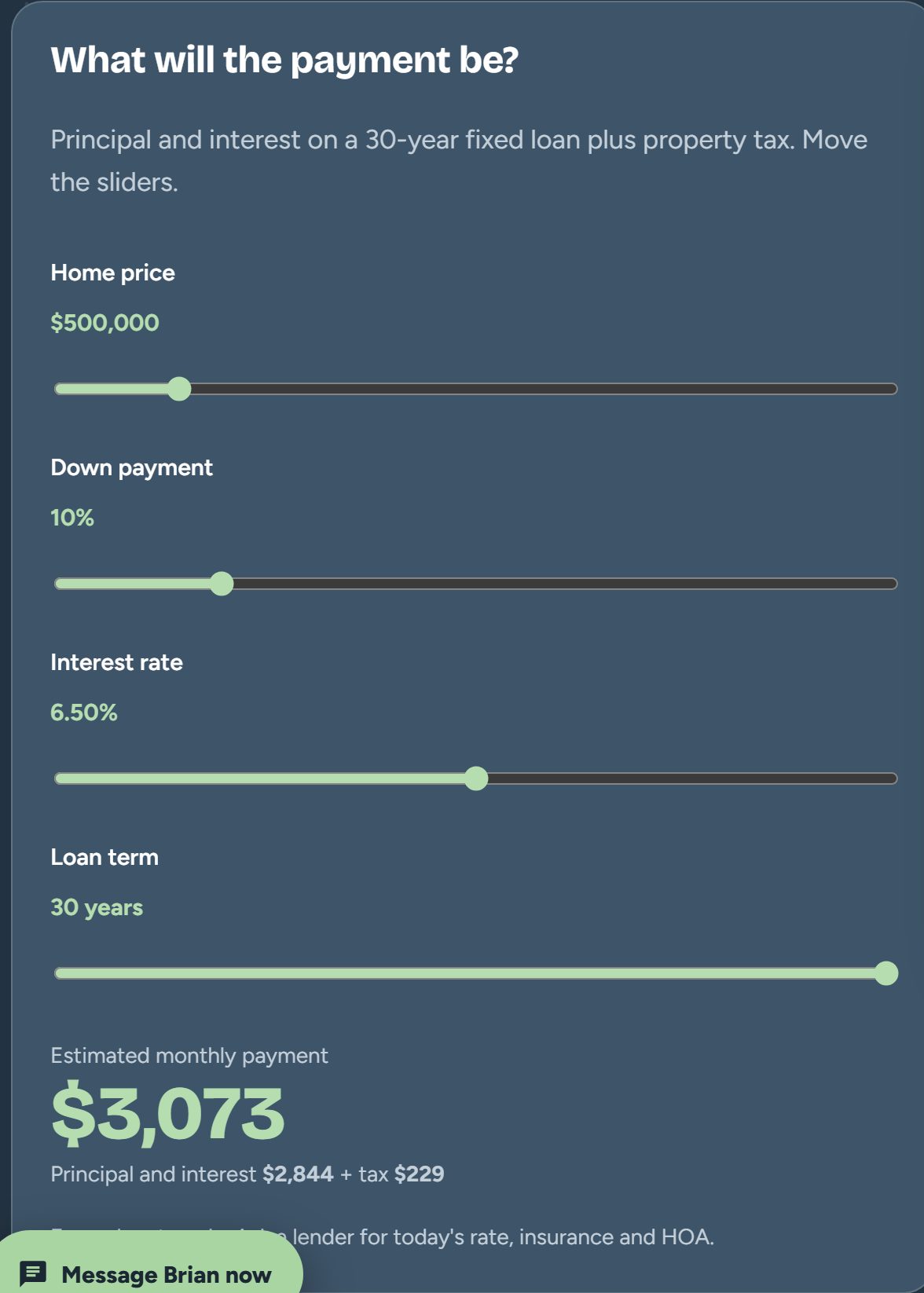
When you work with The Kenna Group at Keller Williams DTC (formerly Kenna Real Estate Group), your agent sends you one link. That link opens a real estate agent contact page built for your phone. It holds every way to reach your agent, their reviews with the source shown, a payment calculator, and buttons to request a home value, a tour or a pre-approval. You save it once and you never hunt for a phone number again.
Full disclosure: the pages are built on PadLeaders, and PadLeaders is owned by our team leader, Brian Lee Burke. We use it because it is the tool we use to help our clients, and we want you to know that up front.
Call or text 303-955-4220. A live person answers. Not a robot, not a phone tree.
Here is what you get, how to use it, and what to watch for.
Buying or selling a home creates a pile of messages. A business card here, an email signature there, a website, a review page, a lender's number. By week three, most people cannot find the one they need.
A single link fixes that. Your agent's Pad Page puts everything in one place, on one screen, in the same order every time. If you forget something, you open the link. If you want to share your agent with a friend, you send the link.
Every Kenna agent's page follows the same layout, so you know where things are.
The page works like an app without the app store. On an iPhone, open the link in Safari, tap Share, then "Add to Home Screen." On Android, open it in Chrome, tap the menu, then "Add to Home screen." An icon shows up next to your other apps. Tap it and your agent's page opens.
No download, no account and no password. It takes about ten seconds.
Most buyers use the link three ways.
Sellers use the same link, just differently.
Some pages show a Trust Verified seal. That means the agent was checked at the source: an active license on the Colorado state lookup, no public disciplinary action, a Google rating of 4.5 or higher with at least 10 Google reviews, and matching name, brokerage, phone and website across the web. It is re-checked every month.
Trust Verified means the agent met the published PadLeaders criteria on the last check date. It is not an endorsement or a guarantee of results. You should still interview any agent you hire.
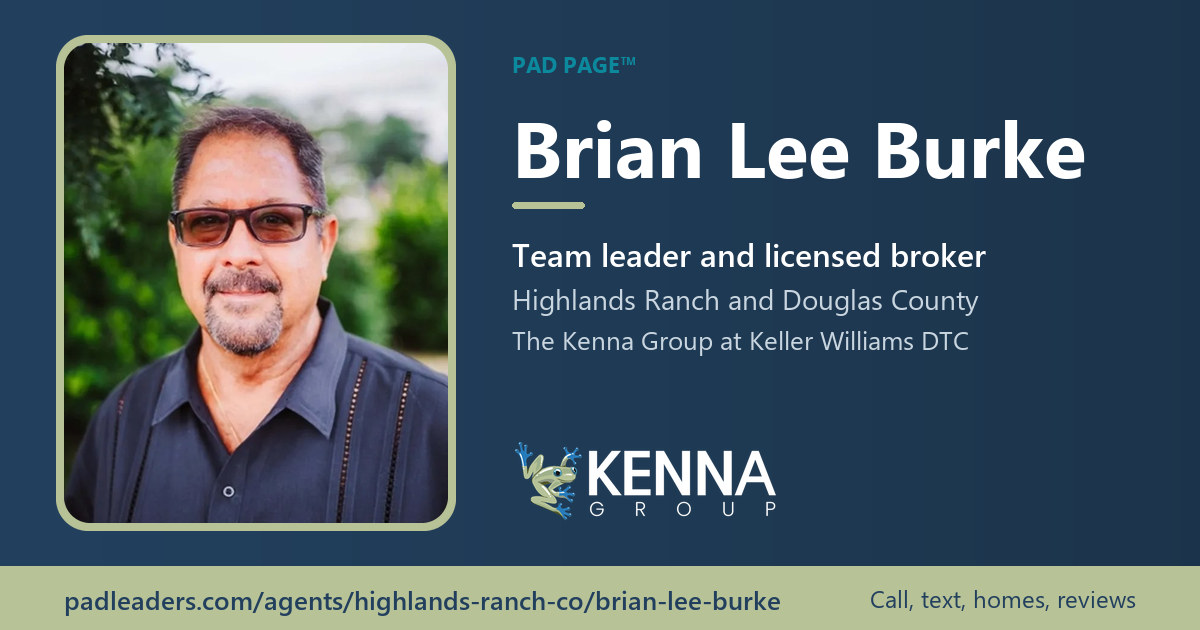
PadLeaders is owned by our team leader, Brian Lee Burke.
Want your agent's link, or want to meet one of our agents? Call The Kenna Group at KW DTC at 303-955-4220 and we will text it to you.
PadLeaders is owned by our team leader, Brian Lee Burke.
The Kenna Group is a real estate group with Keller Williams Realty DTC, LLC (Keller Williams DTC), formerly known as Kenna Real Estate Group, serving Denver metro home buyers and sellers. Each Keller Williams office is independently owned and operated.


Yes. Buyers and sellers never pay anything to open, save or use their agent's page.
No. It opens in your phone's browser. You can add it to your home screen so it works like an app, with no app store.
No. It shows a rough monthly payment based on the numbers you enter. Only a lender can tell you what you qualify for, which is why the page also has a pre-approval request.
Yes. Tap the share button on the page or send the link by text. Your friend sees the same contact card, reviews and tools you do.
Call or text 303-955-4220. A live person answers. Not a robot, not a phone tree.
Brian Lee Burke, the hardest working man in real estate
The Kenna Group at Keller Williams DTC (formerly Kenna Real Estate Group). Licensed in Colorado since 2003.